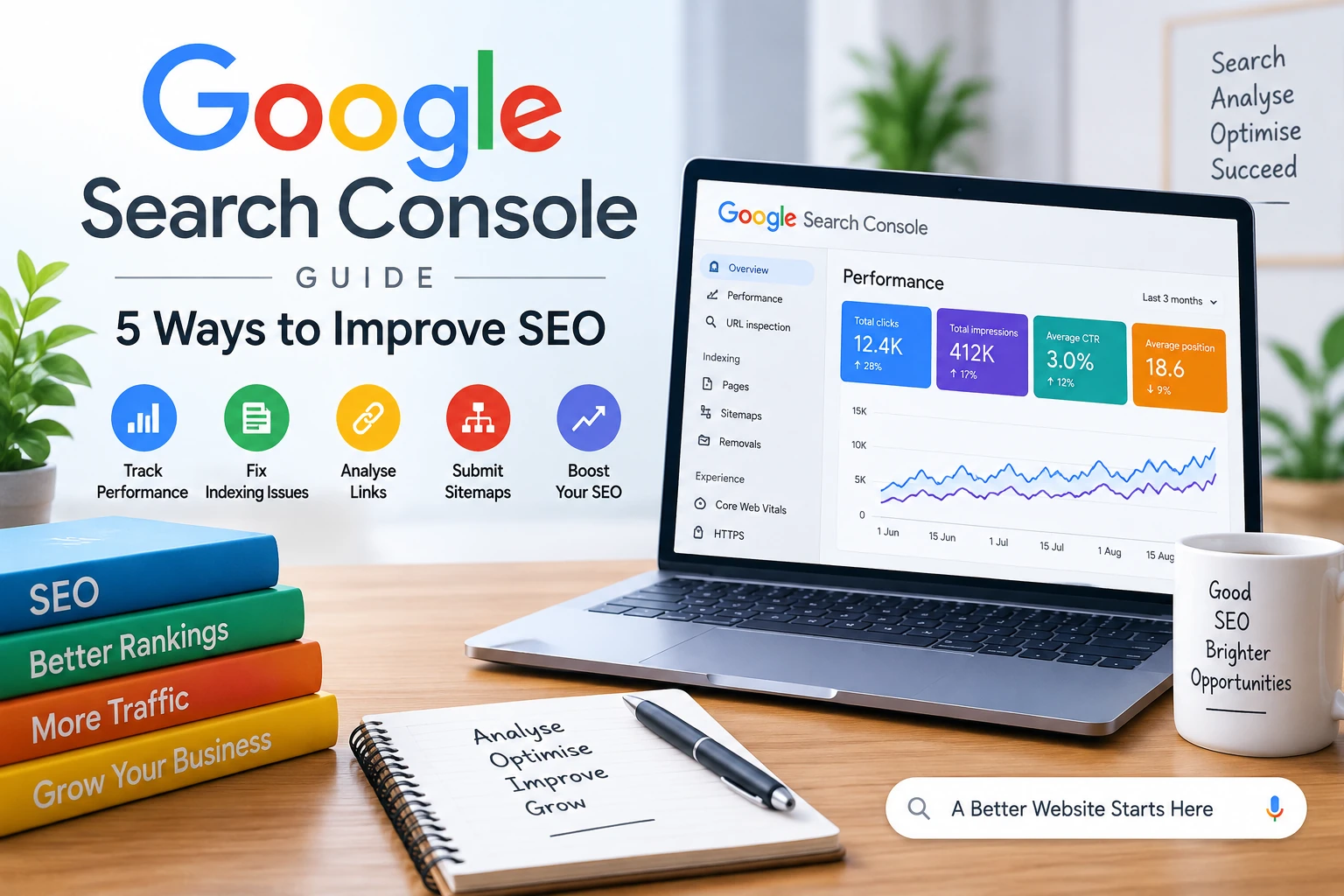
In the world of digital marketing, Google Search Console (GSC) is one of the most valuable free tools for website owners, bloggers, and SEO professionals. This Google Search Console guide explains five powerful ways to use the tool to improve your SEO, monitor website performance, identify issues, and increase your organic visibility in Google Search.
Google Search Console shows the keywords (queries) that bring users to your website. You can analyze impressions, clicks, click-through rate (CTR), and average position for each keyword. This data helps you identify which search terms perform well and which need improvement. By optimizing underperforming keywords, you can improve your ranking and attract more traffic.
If your web pages are not showing up on Google, it may be due to indexing problems. The Index Coverage Report in Search Console helps you find pages that are excluded, have errors, or are not indexed. By fixing these issues such as submitting sitemaps or resolving crawl errors you ensure that all important pages are visible to search engines.
Mobile-friendliness is a key ranking factor. The Mobile Usability Report in GSC shows whether your pages work properly on mobile devices. You can check for problems like small text, clickable elements too close together, or content that doesn’t fit the screen and fix them to enhance the user experience.
Backlinks play a major role in SEO success. In Google Search Console, the Links Report helps you see which websites link to you (external links) and which pages on your site are most linked (internal links). This helps you identify strong backlinks, find link-building opportunities, and improve internal linking for better navigation and SEO value.
A sitemap helps Google understand your site’s structure. By submitting your XML sitemap through GSC, you make it easier for Google to discover new and updated pages. This ensures faster indexing and better visibility in search results.
Google Search Console is more than just a reporting tool it’s your SEO control center. From tracking keywords to fixing technical issues, it helps you monitor every aspect of your website’s performance. Regularly checking and using GSC insights will help you improve rankings, enhance user experience, and build a stronger online presence. This Google Search Console guide can help you make better SEO decisions by using real search data from your website.
How Google Understands Websites The Way Google Sees Your Website Is Completely Different When you…
Benefits of Social Media for Businesses and Individuals The benefits of social media have…
Advantages of Social Media Marketing for Small Businesses In today’s competitive online world, social media…
Introduction The internet has changed the way businesses communicate with customers. Today, social media platforms…
Benefits of Social Media Marketing for Small Businesses | Complete Guide In today’s fast-paced digital…
Image optimization for SEO is essential for improving website speed, user experience, and search rankings.…